
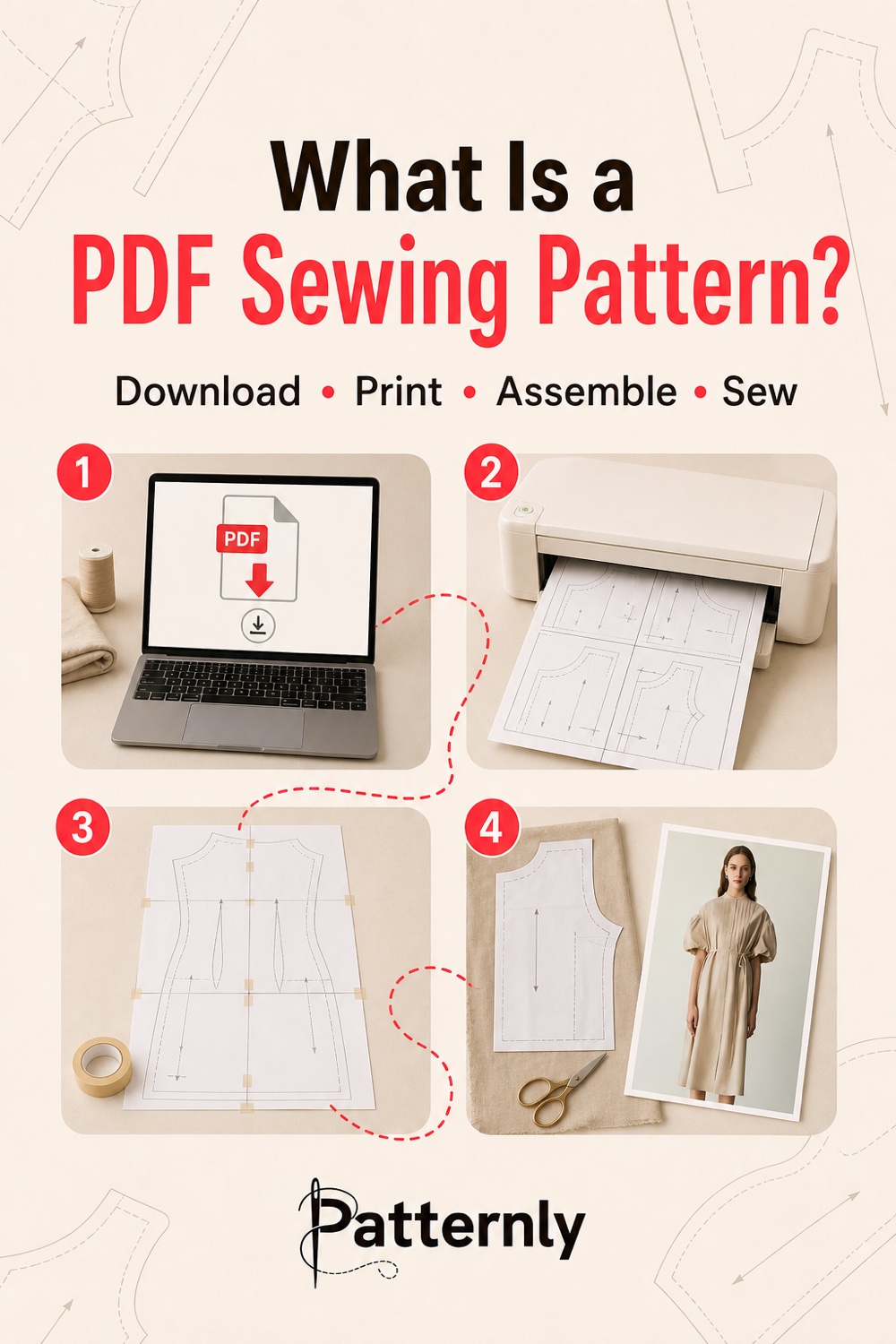
Know which file you need
A home-print file divides the pattern across smaller sheets, usually A4 or US Letter. You join those sheets using the page map and alignment marks. Use the paper size listed for that file; A4 and Letter are not interchangeable unless the designer explicitly supports both.
A copyshop file places larger pattern pieces on large-format pages. A0 is one common format, but not every large sheet is A0. Read the page dimensions in the PDF reader's document or page properties, and check them against any supplied print instructions. Give those dimensions to the printer and ask for printing without scaling; the filename alone does not establish the sheet size.
Some patterns also offer projector files or size layers. Those are optional features. Check the individual listing rather than assuming every PDF includes them. Instructions and size charts may be separate documents from the cutting pages.
Check the download before printing
Open the package and read the file list. Identify the instructions, size information, print format and test square. If the download is a ZIP, extract it before working with the files. Keep an unchanged copy so you can return to the original after making fitting notes or printing selected pages.
On Patternly, check your account downloads for patterns you have claimed or purchased. If the expected item is missing, use the download help to check access and download steps. The product's file list is the place to confirm what the purchase includes.
Print one test page
Select the required paper size and Actual Size or 100% scale. Print the test page, measure the square in both directions and compare it with the stated dimensions. Only print the remaining cutting pages when that check passes.
For home-tiled patterns, use one page per sheet and single-sided printing. The printing and assembly guide explains how to deal with clipped edges and misaligned pages.
Before cutting your fabric
Choose your size, test the fabric and confirm which seam allowances are included. Use the size and ease guide to compare body and finished measurements before selecting the cutting line.
Frequently asked questions
Is a PDF pattern a finished item?
No. It is a digital file used to make an item. Fabric, tools and the finished garment or bag are not supplied unless a listing explicitly says otherwise.
Can I print it again?
You can keep the downloaded original for your own permitted use and print another working copy when needed. Follow the licence supplied with the pattern; access to a file does not give permission to redistribute it.